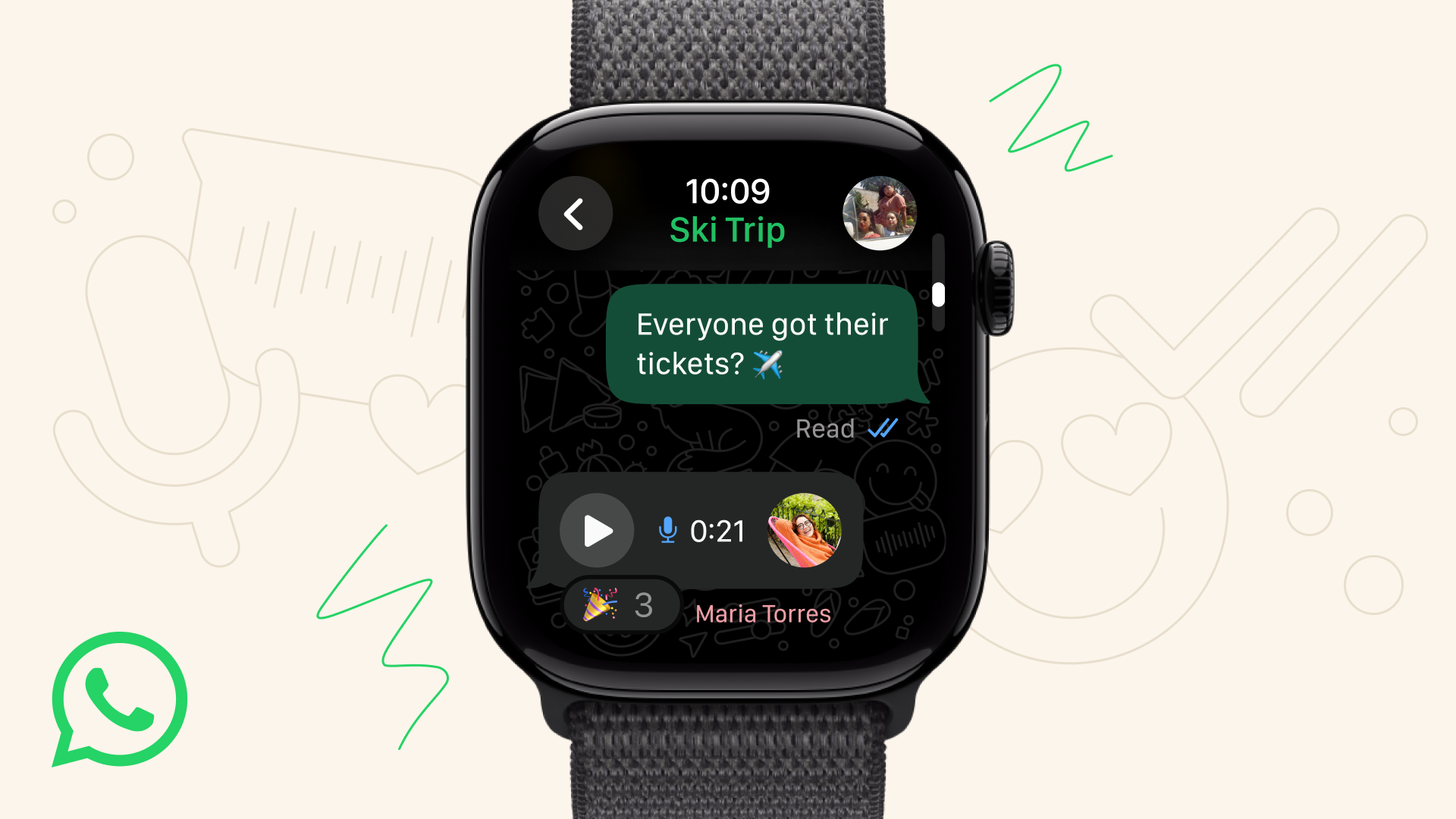
WhatsApp on Apple Watch: More than just notifications — Here’s what’s new and how to use it
Published on 06/11/2025 01:45 PM
WhatsApp on Apple Watch: WhatsApp has finally arrived on Apple Watch — and this time, it's about more than just notifications. The messaging app announced that this latest update will bring the full-featured WhatsApp experience to your wrist, giving users more ways to stay connected without constantly reaching for their iPhone.
According to the company, in addition to reading and replying to messages, for the first time, WhatsApp on Apple Watch will now support several requested features:
As always, WhatsApp says all messages and calls are protected with end-to-end encryption, just like on mobile.
To start using WhatsApp on your Apple Watch, you’ll need to make sure you’re running the latest version of both WhatsApp and watchOS. Once updated:
Step 1: Pair your iPhone and Apple Watch as usual.Step 2: Install WhatsApp on your iPhone (if it’s not already).Step 3: Open the Watch app on your iPhone and scroll to Available Apps.Step 4: Tap Install next to WhatsApp.Step 5: Once installed, open WhatsApp on your watch — you’ll see your recent chats and be able to reply using dictation, emoji, or voice messages.
On a separate note, WhatsApp is planning a big change to stop spam and unwanted messages. The messaging app is testing a new rule that limits how many messages users and businesses can send to people who are not in their contact list and do not reply. This move is aimed at giving users a quieter and more organised inbox.
Over the years, WhatsApp has grown from a simple chat app into a large platform that includes communities, business accounts, and customer service channels.
But with this growth, the number of unwanted messages and promotions has also increased, frustrating many users.Priya Vishwakarma, Sub Editor – Zee Business DigitalPriya Vishwak